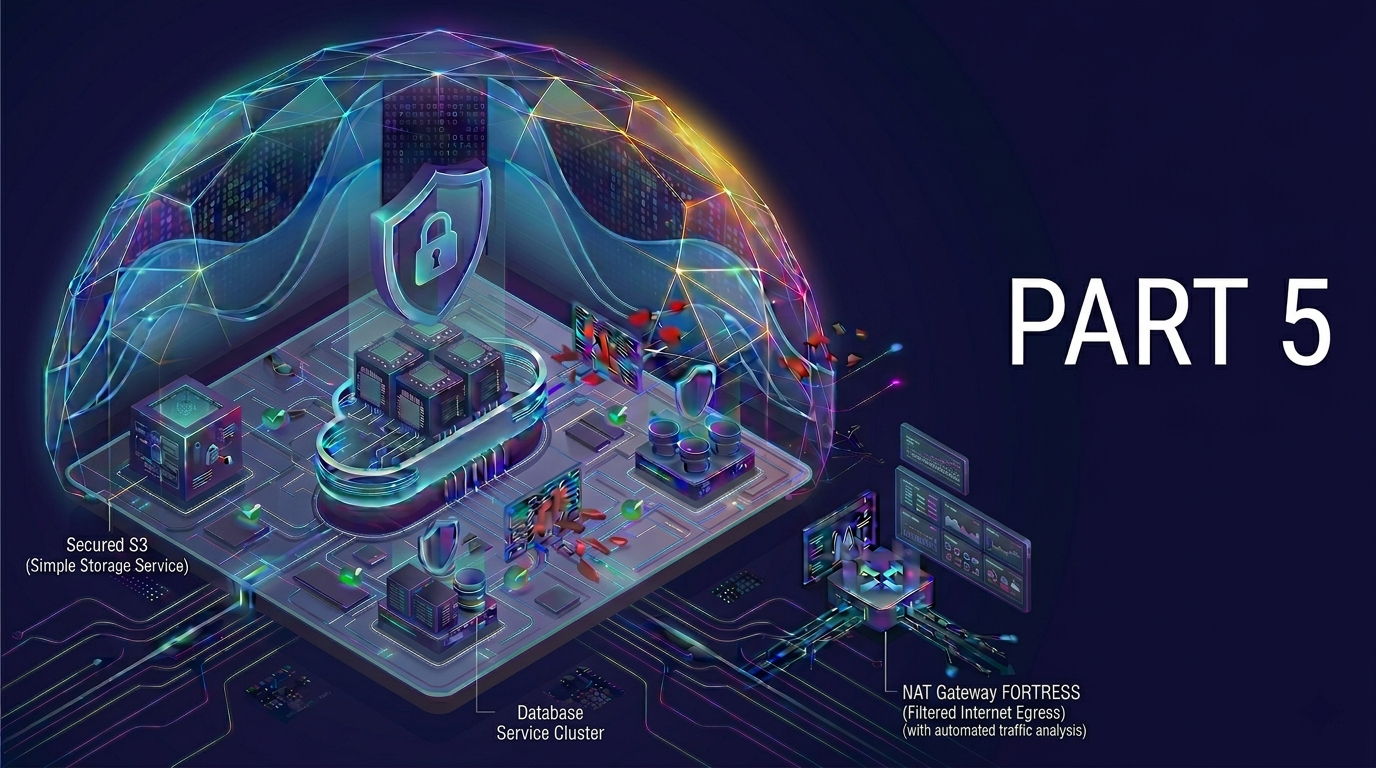
In this final part of this project, we’ll strengthen the application-layer security, we’ll integrate AWS Web Application Firewall (WAF) with our existing Application Load Balancer (ALB). WAF helps detect and block malicious HTTP requests before they reach your app, such as SQL injection, cross-site scripting (XSS), and bot traffic.
Step 1: Setup The Web ACL (Access Control List)
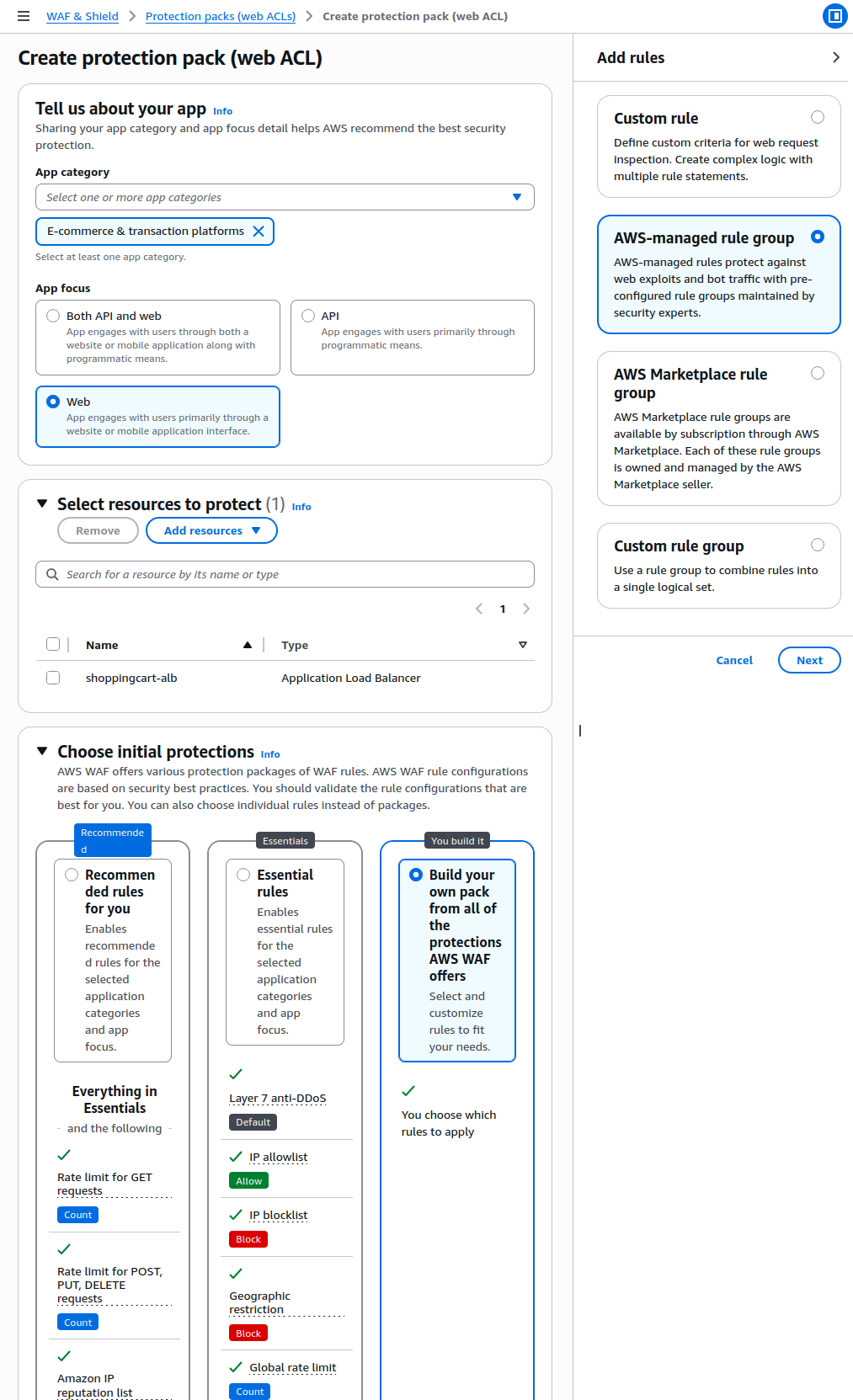
- Navigate to AWS WAF & Shield Console, Click Create web ACL
- App Category: E-Commerce & transaction platforms
- App Focus: Web
- Click Add Resources: Select our ALB (
shoppingcart-alb) - Choose initial protections: Build your own pack
- then choose AWS-managed rule group
- click Next
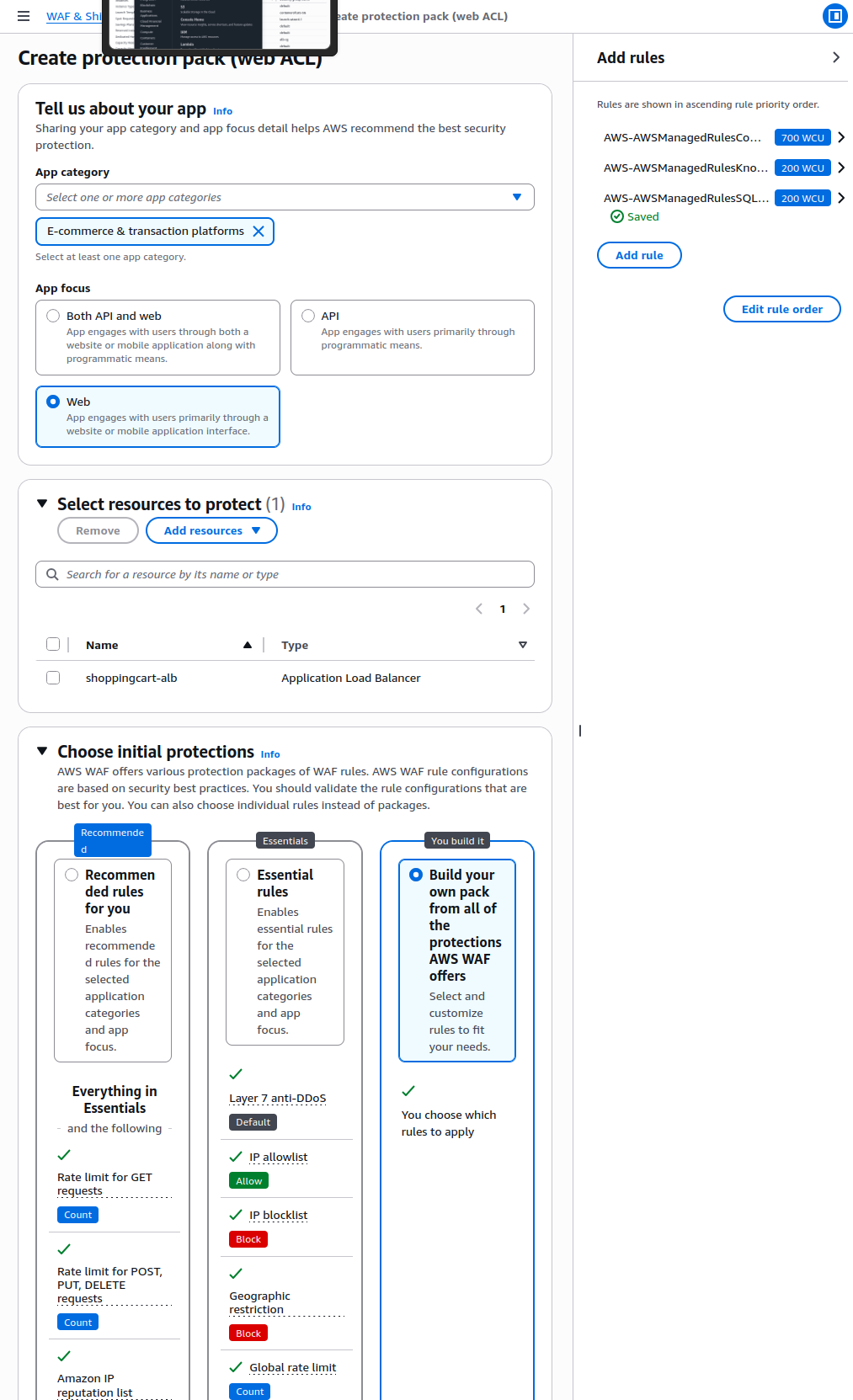
- Select the following free AWS managed rule groups:
- Core rule set (
AWSManagedRulesCommonRuleSet) - Known bad inputs (
AWSManagedRulesKnownBadInputsRuleSet) - SQL database (
AWSManagedRulesSQLiRuleSet)
- Core rule set (
FYI, although there are many rules, for our project having the default AWS rules are more than enough
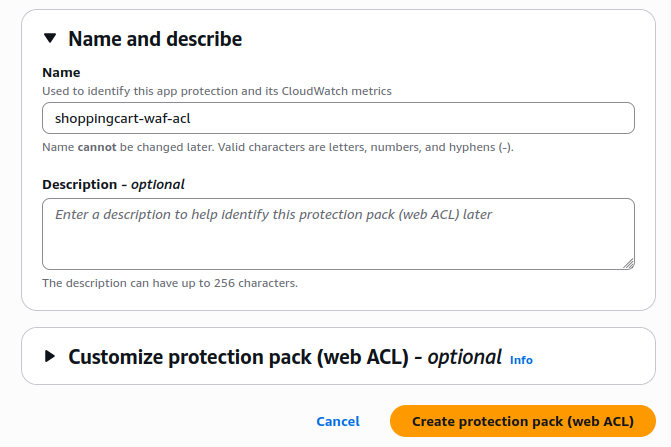
- Name:
shoppingcart-waf-acl - Then click Create Web ACL
WAF is now activated and protecting our shoppingcart app via the ALB.
Summary
In this part we have done the following to enable the protection layer for the whole application deployment
- All HTTP traffic is now filtered through AWS WAF
- Malicious patterns like SQLi, XSS, and bad bots are automatically blocked
- WAF integrates seamlessly with ALB with minimal effort
Resource Clean-up
To avoid unnecessary charges, clean up all the AWS resources you created during the project.
- Delete the ALB (Application Load Balancer)
- Go to EC2 > Load Balancers
- Select
shoppingcart-alband delete it
- Terminate EC2 Instances
- Go to EC2 Dashboard
- Select both your app and bastion instances
- Click Actions > Instance State > Terminate
- Delete Target Group
- Go to EC2 > Target Groups
- Select
shoppingcart-tgand delete it
- Delete RDS Database
- Go to RDS Dashboard
- Select your DB instance → Actions > Delete
- Choose Do not create final snapshot (since this is a test project)
- Delete DB Subnet Group
- Go to RDS > Subnet Groups
- Delete
securecart-db-subnet-group
- Delete S3 Bucket
- Go to S3 Dashboard
- Empty
securecart-assets→ Then delete the bucket
- Delete NAT Gateway
- Go to VPC > NAT Gateways
- Select and delete the NAT Gateway
- Release Elastic IP (if used)
- Go to EC2 > Elastic IPs
- Select and Release the address
- Remove Networking Components
- Go to VPC Dashboard
- Delete:
- All subnets
- Custom route tables
- Internet Gateway
- Delete the VPC
- Once everything above is removed, delete our
shoppingcart-vpc
- Once everything above is removed, delete our
Project Conclusion
- Identified common security flaws in cloud applications
- Rebuilt the architecture using a custom VPC with public and private subnets
- Launched an EC2 app server in a private subnet, away from public access
- Deployed a MySQL database on RDS inside private subnets
- Added an Application Load Balancer (ALB) to handle public traffic
- Used Security Groups to enforce least privilege
- Integrated AWS WAF to block common web threats (e.g., SQL injection, XSS)
- Configured a bastion host for secure SSH access
- Created a private S3 bucket for asset storage with encryption
- Practiced secure resource cleanup to avoid unwanted costs